 English
 简体中文
简体中文
 عربي
عربي
 Dansk
Dansk
 Deutsch
 Русский язык
 Français
 Pilipino
 suomi
suomi
 한국어
한국어
 Malay
Malay
 Afrikaans isiXhosa
 Zulu, eNingizimu Afrika
 Português
 日本語
日本語
 Svenska
 ภาษาไทย
 Español
 Italiano
 IndonesiaName
 Tiếng Việt

Anyone who’s worked in tech support knows Monday mornings are brutal.
In this industry, the most frustrating cases aren’t broken devices—they’re perfectly good ones returned as “faulty.” As Veyloc’s architect, I’ve reviewed thousands of logs. Truth is: 80% of “offline” reports aren’t device failures—they’re basic physical layer problems.
Before you rage at support, run through this quick troubleshooting guide. It’ll save you shipping costs and days of downtime.
The Classic Monday False Alarm
A big client calls furious: their concrete mixer truck vanished from the map. You think, “Great, another bad batch.”
Platform shows the device grayed out—“Offline.” Commands time out. You send a tech 50 km to swap it.
Result? Tech arrives and finds a loose fuse or dust in the SIM slot.
You just burned $200 in labor on a 5-minute fix.
The Real Culprits: Physical Layer Issues
Solid industrial gear still goes “dark” because every connection needs good physical contact—and contact hates vibration and oxidation.
1. Voltage Sag (Not Just Low Voltage)
Rookies grab a multimeter: “See? 24V, power’s fine!”
Wrong. Voltage without current means nothing.
Many installs use cheap tap connectors or poor grounds. In sleep mode, tiny current looks normal on the meter.
But when the device wakes and pulls 2A for 4G, high contact resistance causes voltage to crash below 3.3V. Module brownouts and reboots.
On your platform: endless connect-disconnect loop.
2. SIM Card Fretting Corrosion
Trucks vibrate—always.
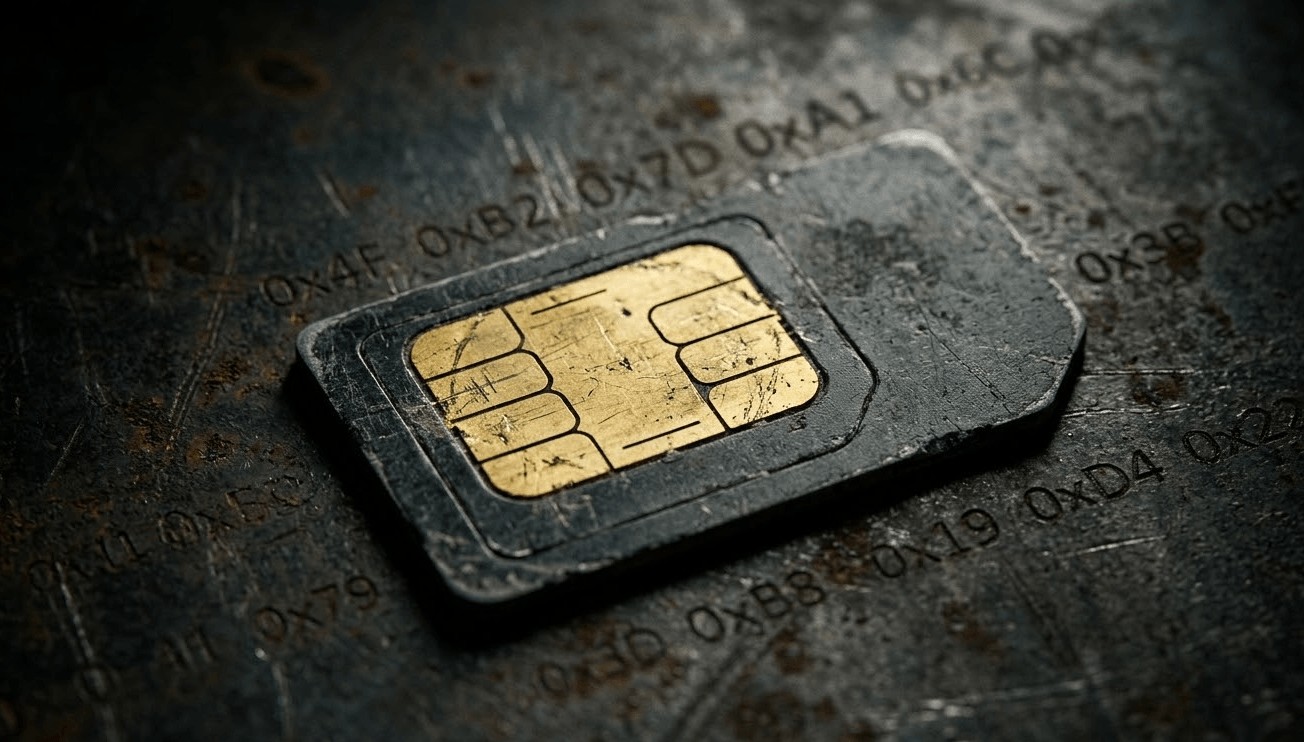
Consumer SIMs have thin gold plating. Diesel engine frequencies cause microscopic friction between card and holder contacts.
Months later, gold wears through, oxide forms. Device reads the card, but data errors skyrocket.
Symptoms: full signal bars, yet registration always fails.
3.Stuck APN (Zombie State)
Some integrators hard-code APN settings. Many IoT SIMs are roaming.
When the truck crosses borders or switches carriers (T-Mobile → AT&T), the network may require a new APN.
Locked to the wrong one, the device attaches to the tower but gets no IP. It’s alive—just mute.
The Trap: Consumer-Grade Accessories
These issues are common because most suppliers ship junk parts:
Cheap fuse holders: Glass tube springs soften in engine heat. One bump and contact opens.
Plastic SIM trays: Push-pull designs deform in heat; contact pressure drops.
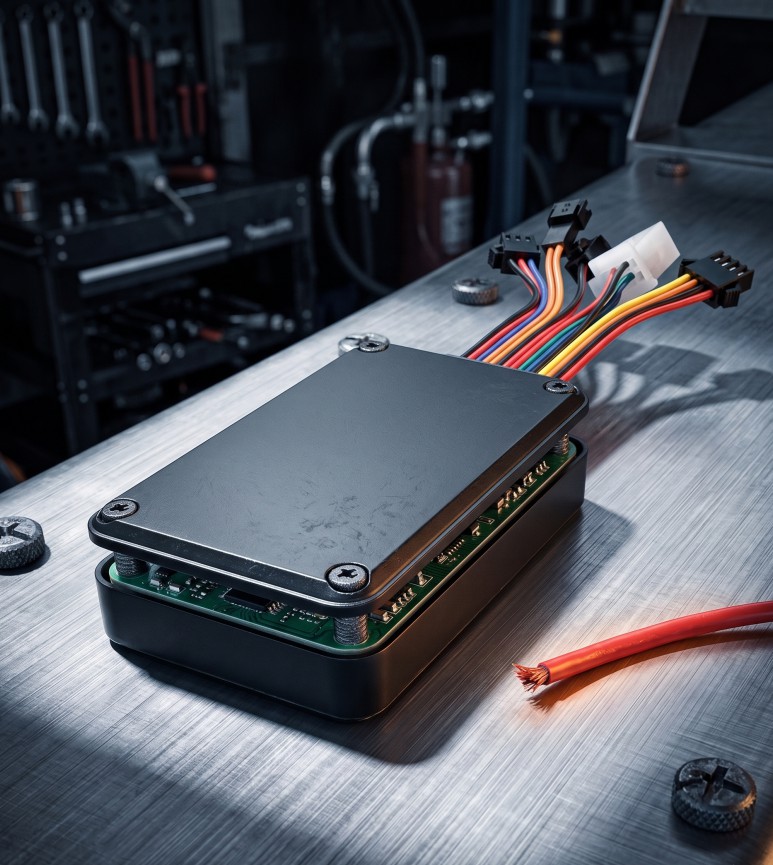
The Veyloc Fix: Idiot-Proof Design
At Veyloc, we assume installers make mistakes—so hardware covers them.
- eSIM Soldered On-Board: In our V8 flagship series, the SIM chip (MFF2) is welded directly to the PCB. No slot, no vibration wear. SIM issues eliminated.
- Auto-APN Matching: Firmware has a library of 300+ global carrier APNs. Device reads MCC/MNC and picks the right one automatically. Plug and play.
- Power-Loss Last Gasp: Hardware includes a supercapacitor or backup battery. If external power drops suddenly, it uses the last milliseconds to send a “Power Cut” alert. The device proves its innocence before going dark.
Your 5-Minute Checklist
Before shipping anything back, have your tech check in this order:
- 1.Load Voltage Test: Don’t measure idle voltage. Trigger a data send and watch for drops over 2V—rewire power if it sags.
- 2.SIM Eraser Trick: Pull the SIM, clean contacts with a pencil eraser, reinsert. If it works, oxidation was the issue—switch to industrial SIMs.
- 3.LED Code Reading: Don’t just check if it’s lit. Fast blink = searching network; steady = connected to server. Learn the light language to rule out half the problems.





















 Tansy
Tansy

